One-Line-Per-Day Diary in Org-mode
Contents
Recently, I came across these plain text systems and concepts:
- The One-Line-Per-Day, One-Page Plain Text Daily Journal: A single, reverse-chronological plain text file to record only the most significant event of each day in a single line.
- OBTF (One Big Text File): Putting everything in a big text file.
They resonated me because they match very closely with how I keep my daily diary in Org-mode!
The One-Line-Per-Day Format
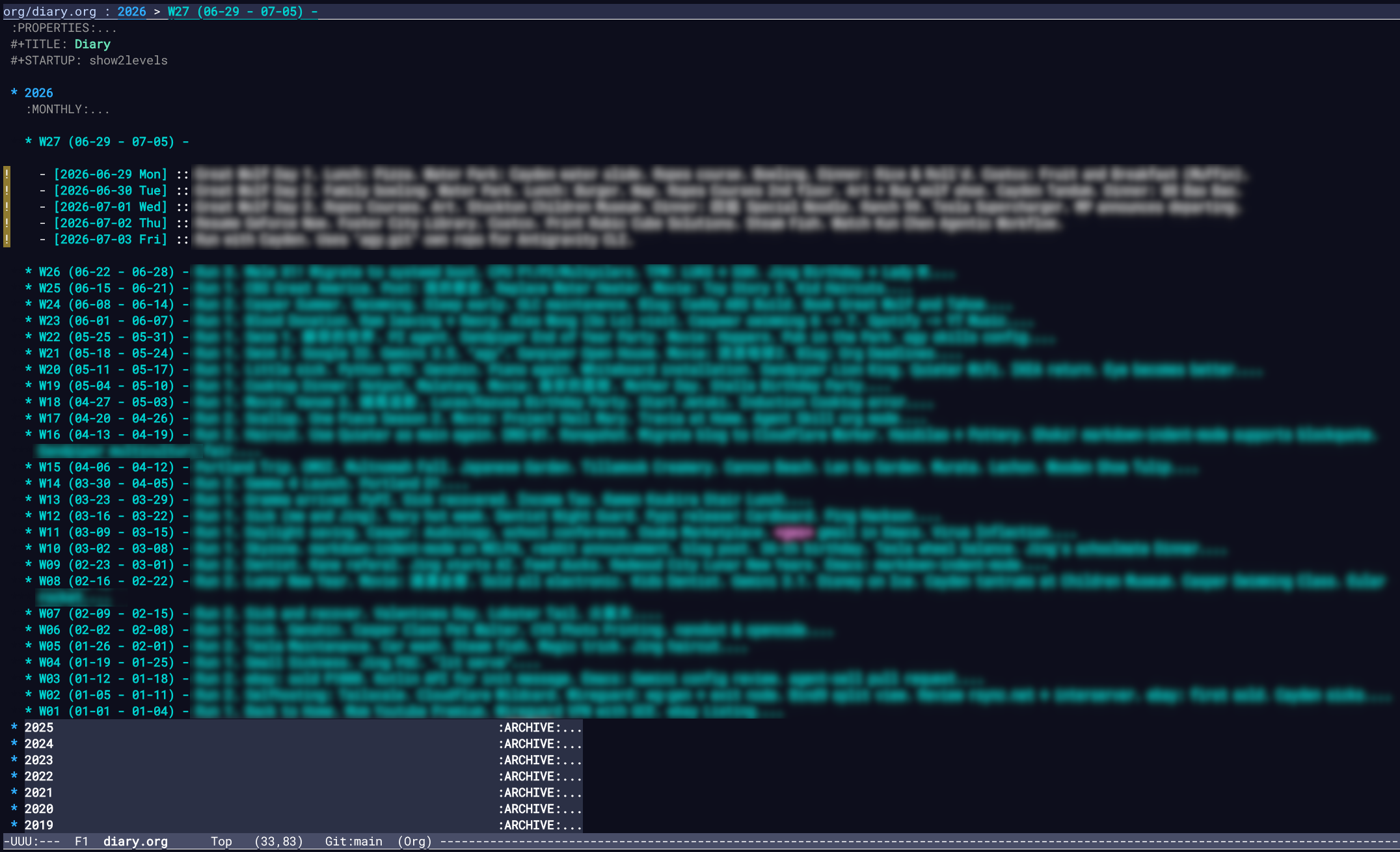
I keep my diary in a one-line-per-day format. Under this system, each day is represented by a single line using Org-mode’s description list syntax:
- Level-1 heading: The Year (e.g.,
* 2026) - Level-2 heading: The Week, containing the week number, date range, and a brief weekly highlight (e.g.,
** W25 (06-15 - 06-21) - Weekly highlight) - List items: One line per day, starting with an inactive timestamp and a description separator (
::) followed by the day’s events.
Here is an example illustrating a complete recent week:
* 2026

** W26 (06-22 - 06-28) - Run 3 times. Mele X1! CPU PL1/PL2/Multpilers. TPM: LUKS + SSH.

- [2026-06-22 Mon] :: Team dinner.
- [2026-06-23 Tue] :: Running. Daycare fire false alarm. Primes day Mini PC research.
- [2026-06-24 Wed] :: Buy Mele X1.
- [2026-06-25 Thu] :: Running. Benchmark Mele X1. Good single core performance. Emacs startup time ~0.4s.
- [2026-06-26 Fri] :: Bike to pick up. Dinner: YAYOI.
- [2026-06-27 Sat] :: TIL: Performance Copilot (pcp). Arch: migrate to systemd + sd-encrypt. TPM: LUKS unlock + SSH Agent.
- [2026-06-28 Sun] :: Running. Order Square Paper. Termux workaround with non-local network.
Daily Entries
At the end of every day, I go to the top of diary.org, add a line for today with the things that worth remembering.
To make writing daily entries frictionless, I use a simple Emacs Lisp helper. I use the following function to insert today’s date formatted as an inactive timestamp:
(defun my/insert-current-date ()
  "Insert today's date in Org inactive format."
  (interactive)
  (insert (format-time-string "[%Y-%m-%d %a]")))
I bind this command to a key combination for quick access:
(keymap-global-set "C-c s d" #'my/insert-current-date)
With this helper, starting a daily log is as simple as typing - (or using M-RET to start a list item), calling the function, typing ::, and entering the daily highlight.
Weekly Highlight
At the end of each week (Sunday), I pick the things worth highlighting from my daily entries and put them in the weekly heading. This allows me to look back at my past weeks, know what happened, and feel like my days count.
Why This Works Well
This format has greatly improved both writing and searching:
- Self-Contained Search Results: Since the date and the content of the entry reside on the same line, searching with
consult-lineorripgrepreturns the full context directly. A search for a keyword like “sourdough” immediately displays the date it happened without needing to check parent headings. - Compact File Structure: The outline remains clean and fast to fold and navigate, with only weeks and years as headings.
- Lower Friction: Writing a single line per day lowers the cognitive barrier to journaling. Even on busy days, it is easy to jot down a quick summary.
I am also using a diary-work.org to track my daily work similarly.
Conclusion
This layout is a lightweight and sustainable way to keep a daily log. By using Org-mode’s description lists and automating timestamp insertions, the diary remains clean, highly readable, and easily searchable for years to come.
Appendix: Screenshot
This is how the diary.org looks like: